Give patients answers before they call.
Create a clinic-branded CDCP patient page with common FAQs, safe cost guidance, appointment request, booking link, QR code, and share copy. It is free to start and public after clinic email verification.
Bright Smile Dental
Accepting CDCP patients · Vancouver BC
Why clinics create CDCP pages
Patients often ask the same CDCP questions before they are ready to book. Instead of answering them repeatedly, send patients one simple link.
What clinics can share
Use the same CDCP page across social posts, website embeds, QR posters, Google Business Profile, and front-desk conversations.
Bright Smile Dental
Accepting CDCP patients
Cleaning / filling / emergency
Prairie Family Dental
Call to confirm
Exam / X-rays / dentures
Harbourview Dental
Existing patients first
Preauthorization reminders
Have CDCP questions before booking? Use our clinic card to check common guidance, request an appointment, or open our booking link.
Add one small block to the clinic website so patients can self-serve before calling.
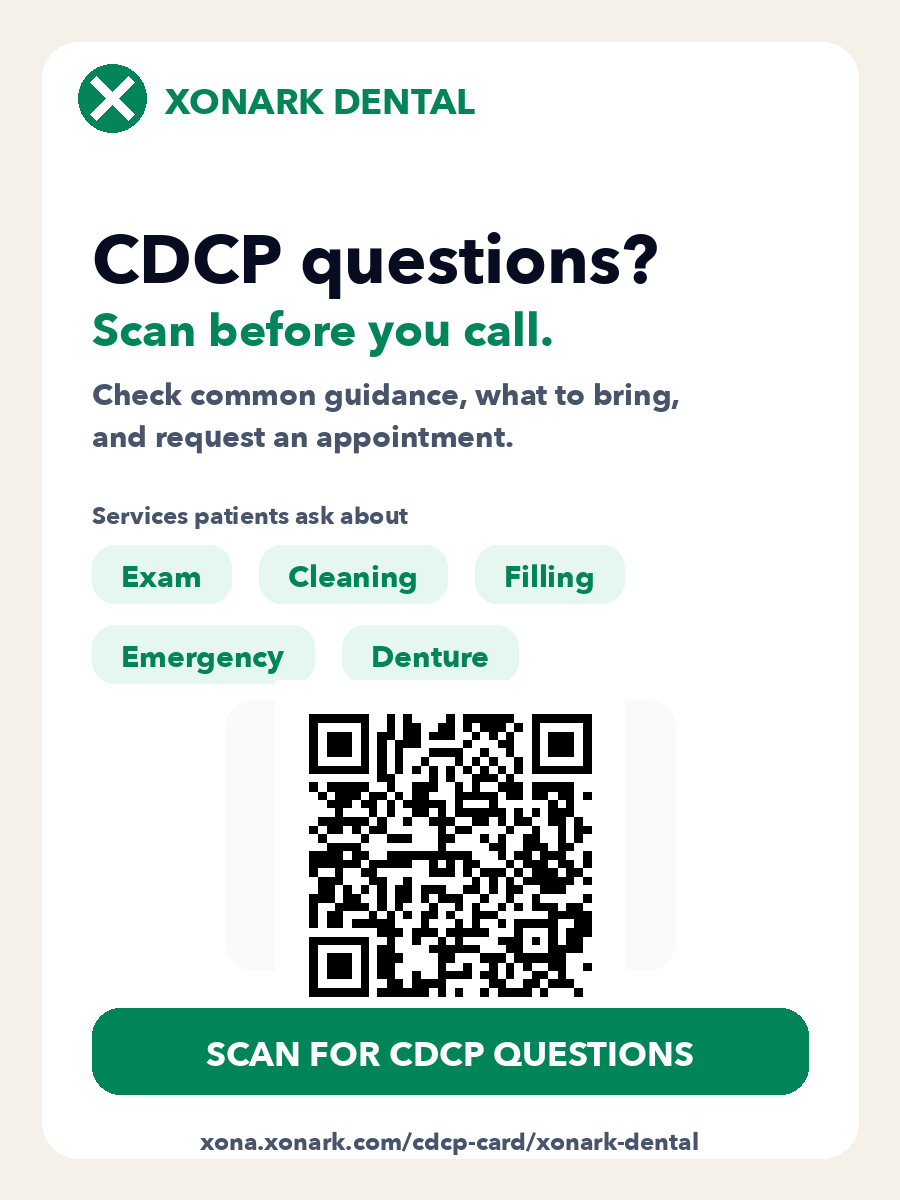
Printable front-desk sign
Clinic name, CDCP services, CTA, QR, and short link in one patient-friendly image.
Create your page
Add clinic name, website, clinic email, services, FAQ answers, and booking link.
Verify clinic email
Public sharing and patient requests unlock only after clinic-domain email verification.
Share anywhere
Use the public link, QR code, website embed, Facebook copy, or Google Business Profile copy.
Already created a CDCP page?
Enter the clinic email and we will send recovery links for pages connected to that email. This works on mobile or a different computer.
